Windows
Use SGK Plugin Manager to install and update plugins from your PC.
Download Windows installer
Browse plugins and drum kits, install new instruments, and check for updates on your MPC.
Choose your download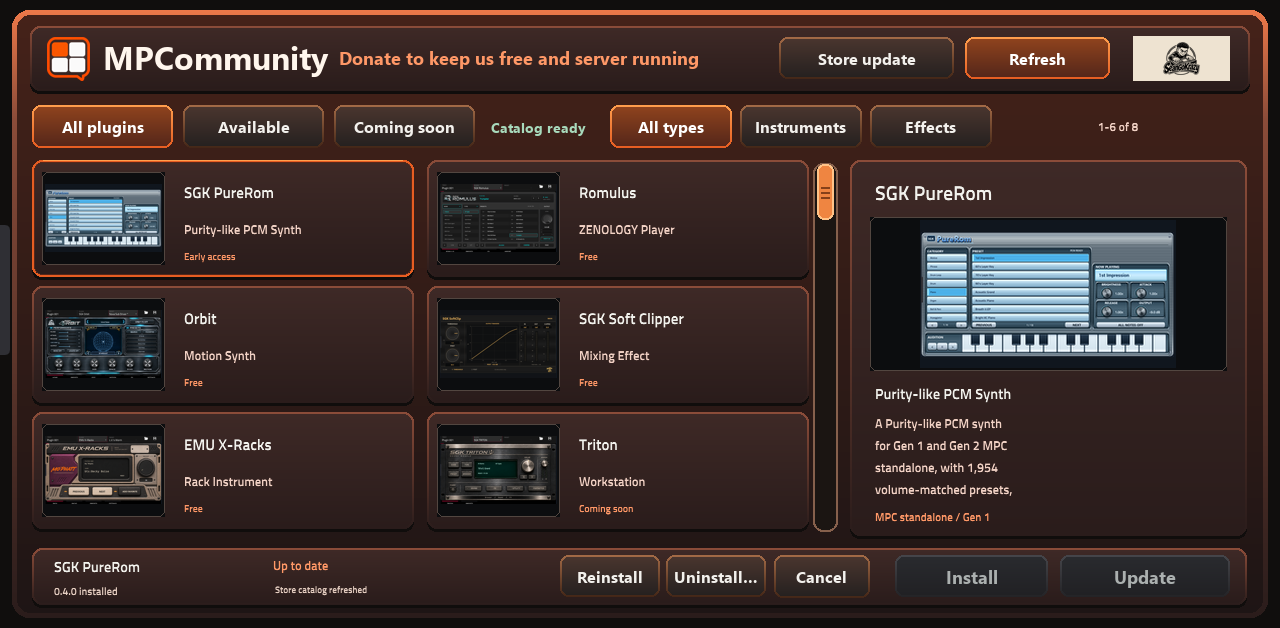
Use SGK Plugin Manager to install and update plugins from your PC.
Download Windows installerCopy the MPCommunity plugin folder to a first-generation MPC drive.
Download Gen 1 ZIPCopy the MPCommunity plugin folder to a second-generation MPC drive.
Download Gen 2 ZIPUse MPC OS 3.10.1 or later with Enable Enhancements and External Plugin Support turned on.
Already have MPCommunity? Open the Store and select Store update.